1
/
of
5
Manali Computers
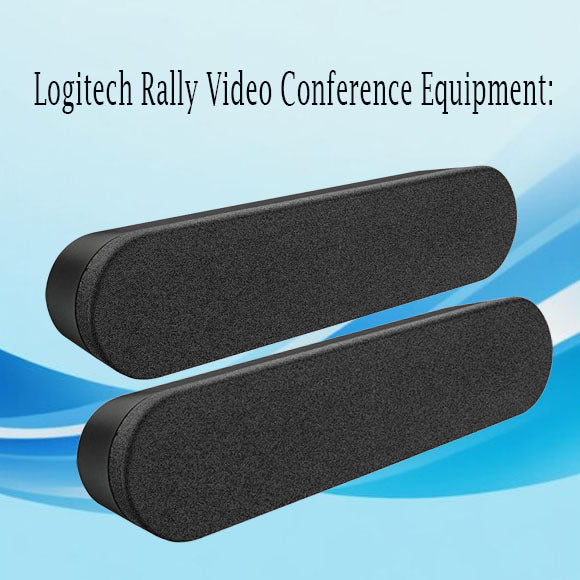
Logitech Rally Video Conference Equipment
Logitech Rally Video Conference Equipment
Regular price
Rs. 125,000.00
Regular price
Sale price
Rs. 125,000.00
- Ultra-HD Video Quality: 4K resolution with 15x HD zoom.
- Studio-Quality Audio: Advanced speaker system and adaptive beamforming mics.
- RightSense Technology: Automatic framing, lighting, and color optimization.
- Modular Design: Flexible setup with separate hubs for easy integration.
- Smart Cabling: Simplified cabling with single Cat6A for Table and Display Hubs.
- Remote Control: Easy control with an intuitive remote.
Quantity
Couldn't load pickup availability
.
-
Unboxing and Components: Let's start by ensuring you have all the components. Your Logitech Rally system should include:
- Rally Camera
- Rally Speaker
- Rally Mic Pod
- Display Hub
- Table Hub
- Remote control
- Power supplies and cables
Please confirm you have all these components.
- Camera Placement: The Rally Camera should be positioned above or below your display. It should be centered and at eye level for optimal video quality.
-
Connecting the Display Hub:
- Connect the Rally Camera to the Display Hub using the included USB cable.
- Connect the Display Hub to your display using an HDMI cable.
- Connect the Display Hub to power using the power supply.
-
Connecting the Table Hub:
- Connect the Table Hub to the Display Hub using the provided Cat6A cable.
- Connect the Table Hub to power using the power supply.
-
Connecting the Rally Speaker and Mic Pod:
- Connect the Rally Speaker to the Display Hub.
- Connect the Rally Mic Pod to the Table Hub. If you have multiple Mic Pods, daisy chain them together.
- Setting Up the Remote Control: Insert the provided batteries into the remote control.
-
Software Installation:
- Download and install the Logitech Sync software from the Logitech website.
- Follow the on-screen instructions to set up and configure your system.
Share